
RBC48 replacement battery for APC Smart-UPS 750: what it fits and how to replace it
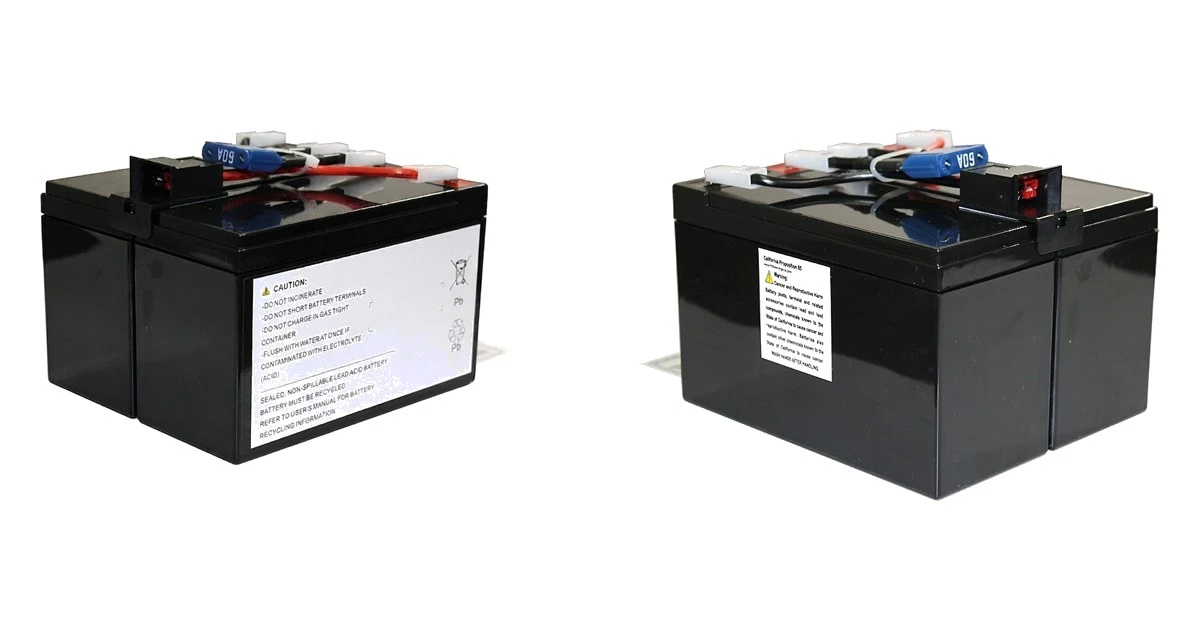
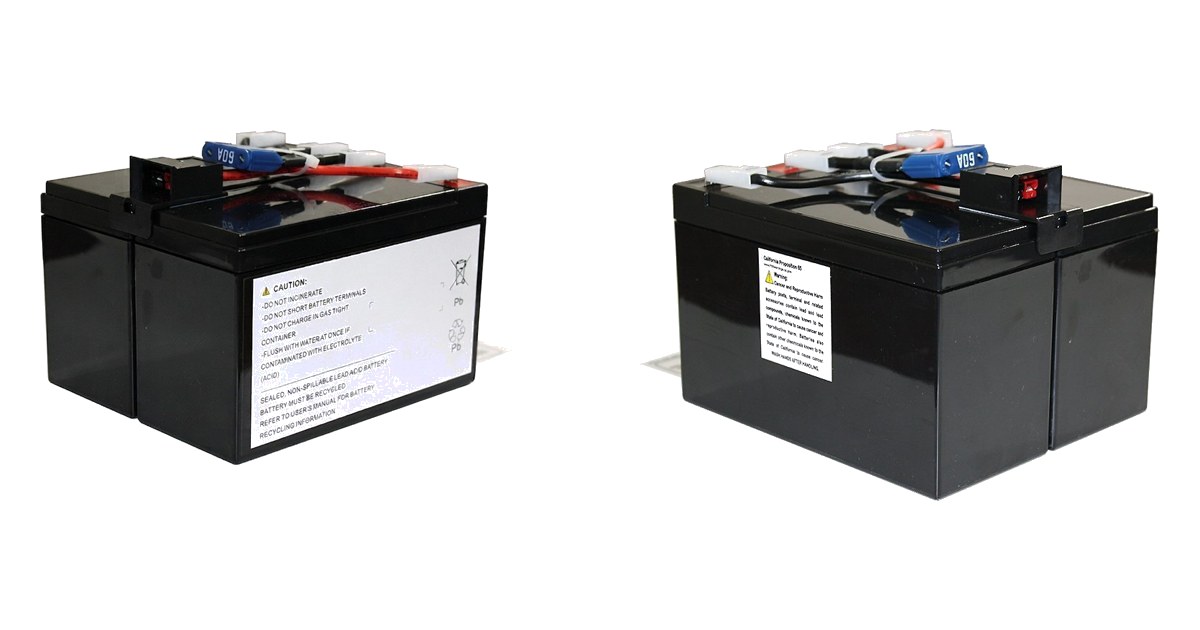
The APC Smart-UPS 750 is one of the most common small UPS units in UK offices. It sits under desks and in comms cupboards, keeping PCs, routers, phone systems and tills running through power cuts. Inside it is a single battery pack: the RBC48.
When that pack wears out, the UPS can't do its job. Here is what the RBC48 fits, how to tell when yours needs replacing, and how to swap it.
Which UPS models does the RBC48 fit?
The RBC48 is the battery for APC's 750VA Smart-UPS models, including:
- Smart-UPS SMT750: SMT750I, SMT750IC, SMT750C, SMT750TW and SMT750US
- Smart-UPS SUA750: SUA750I, SUA750ICH, SUA750ICH-45, SUA750IX38 and SUA750TW
- DLA750
Check the model on the label of your UPS, usually on the back or underneath, and make sure it is on the list. Other Smart-UPS sizes use different packs: for example, the 1000VA, 1500VA and rack-mount models take other RBC numbers.
See the RBC48 replacement battery
What's inside
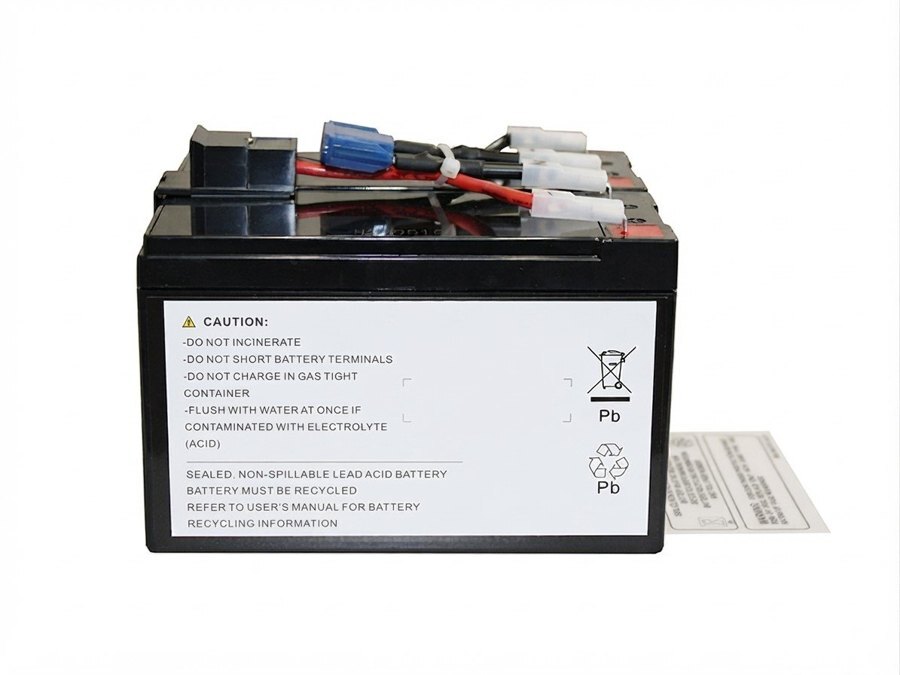
Our replacement is a complete, ready-to-fit pack built from new parts:
- 2 brand-new 12V 7Ah sealed lead-acid (VRLA) cells
- new links, wiring and connector, laid out like the original so it plugs straight in
- assembled and checked before dispatch
It weighs about 6 kg, so it is a one-person job.
Signs your RBC48 needs replacing
Sealed lead-acid UPS batteries usually last 3–5 years, less in a warm cupboard or where there are frequent power cuts. Replace the pack if:
- The UPS shows a "Replace battery" warning, beeps, or fails its self-test.
- Runtime on battery is much shorter than when the UPS was new.
- The UPS switches off as soon as the mains drops.
- The battery is more than four years old, even if no warning has shown yet.
- The pack looks swollen or the UPS smells unusual. Stop using it and replace the battery straight away.
Replacing the RBC48
On the Smart-UPS 750 the battery sits behind the front panel. APC designs these units so the battery can be changed without switching off the connected equipment, but always follow the battery replacement steps in your UPS manual. In short: remove the front panel, disconnect the battery lead, slide the old pack out, slide the new one in, reconnect, refit the panel, and run a self-test.
Take the old pack to a battery recycling point. Lead-acid batteries must not go in household or general waste.
Order with confidence
- Brand-new cells and parts throughout
- Covered by our 12-month warranty
- In-stock orders dispatched from our warehouse in Basingstoke, Hampshire, with free delivery to mainland UK addresses
- Not sure which battery you need? Call 01252 960579 or email sales@laptopbattery.co.uk with your UPS model
Order the RBC48 replacement battery · Browse all replacement UPS batteries
APC, Smart-UPS and RBC are trademarks of their respective owner. Our batteries are compatible replacements. They are not made by APC or endorsed by it.